01
Photo with imperfections
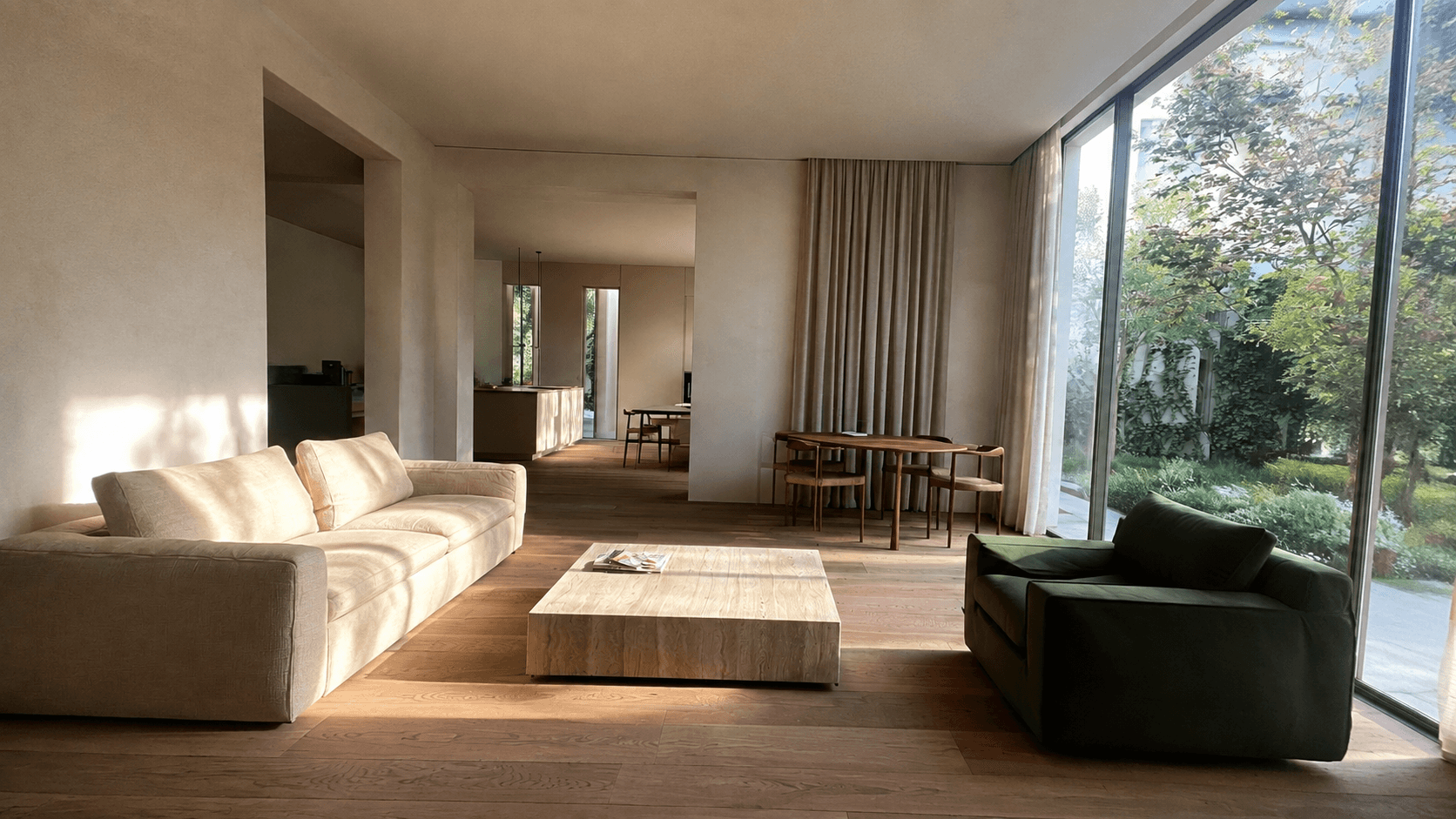
Start with your phone photo, even when the light or perspective needs attention.

Examples
Compare photo enhancements for homes for sale, rental properties and vacation stays. Explore virtual furnishing and see how the same photo can become a short video.
Photo → Retouch → Video
Improve the still image first. Then use it to create a short property video.
Start with your phone photo, even when the light or perspective needs attention.
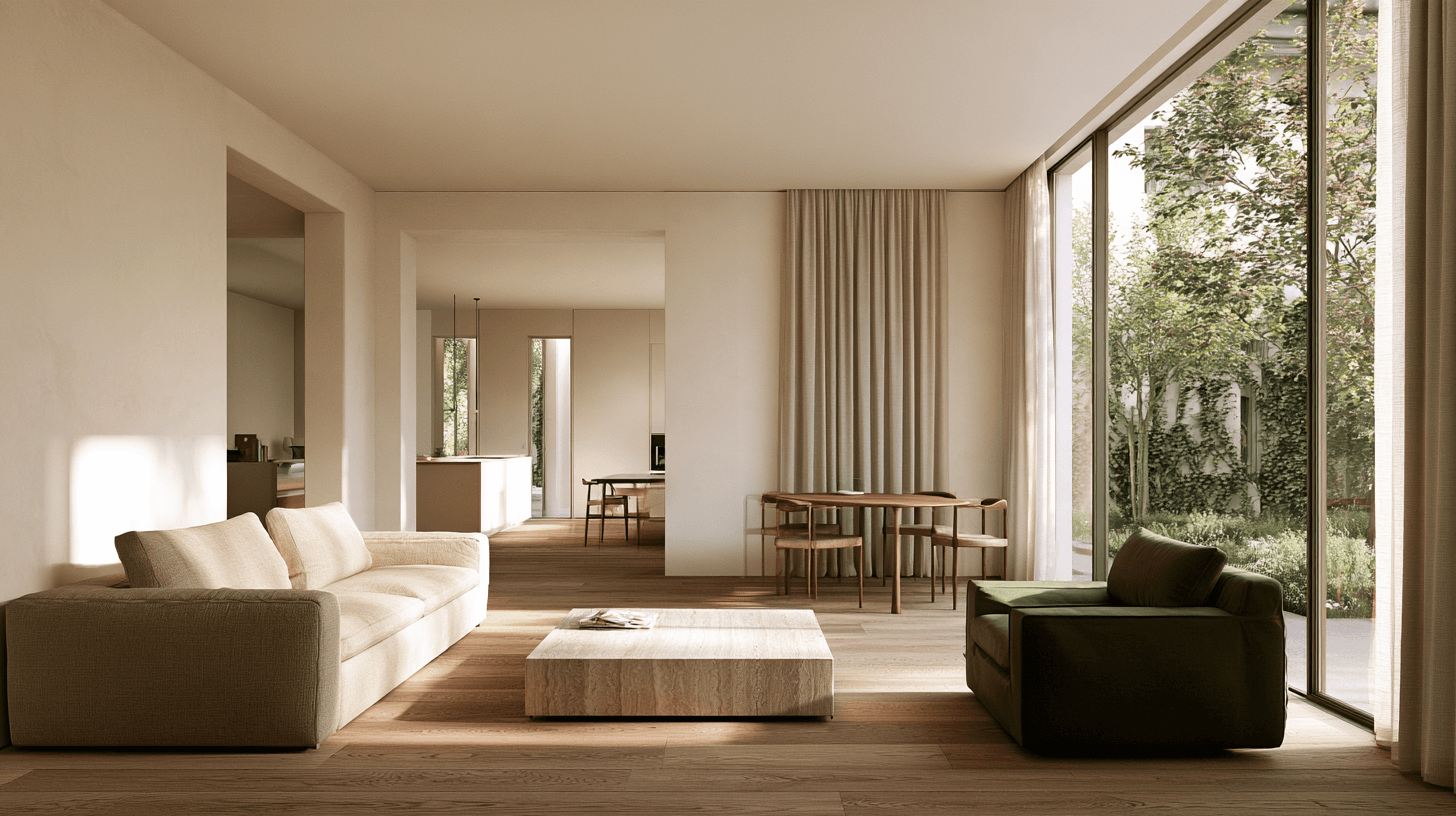
Improve light, colour and verticals. Review the photo before moving on.
Choose a model and create a short clip from the finished photo.
One photo · Four video models
The same source photo and movement prompt, with one result from each model. Watch the details as the camera moves.
Play together or use the controls on each video.
The Studio shows currently available models and costs before generation. Preview models are not yet selectable.
Start with your own photo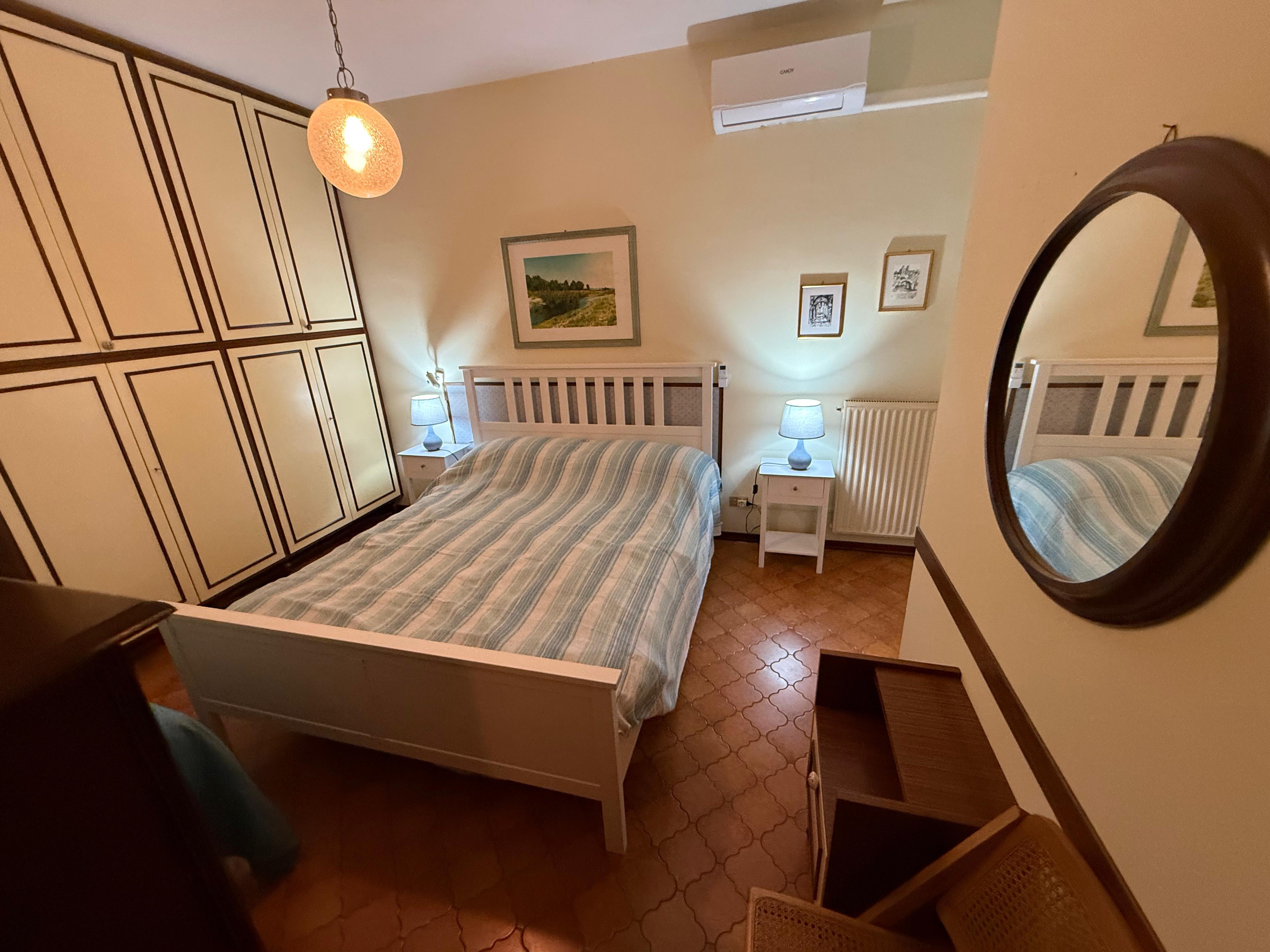
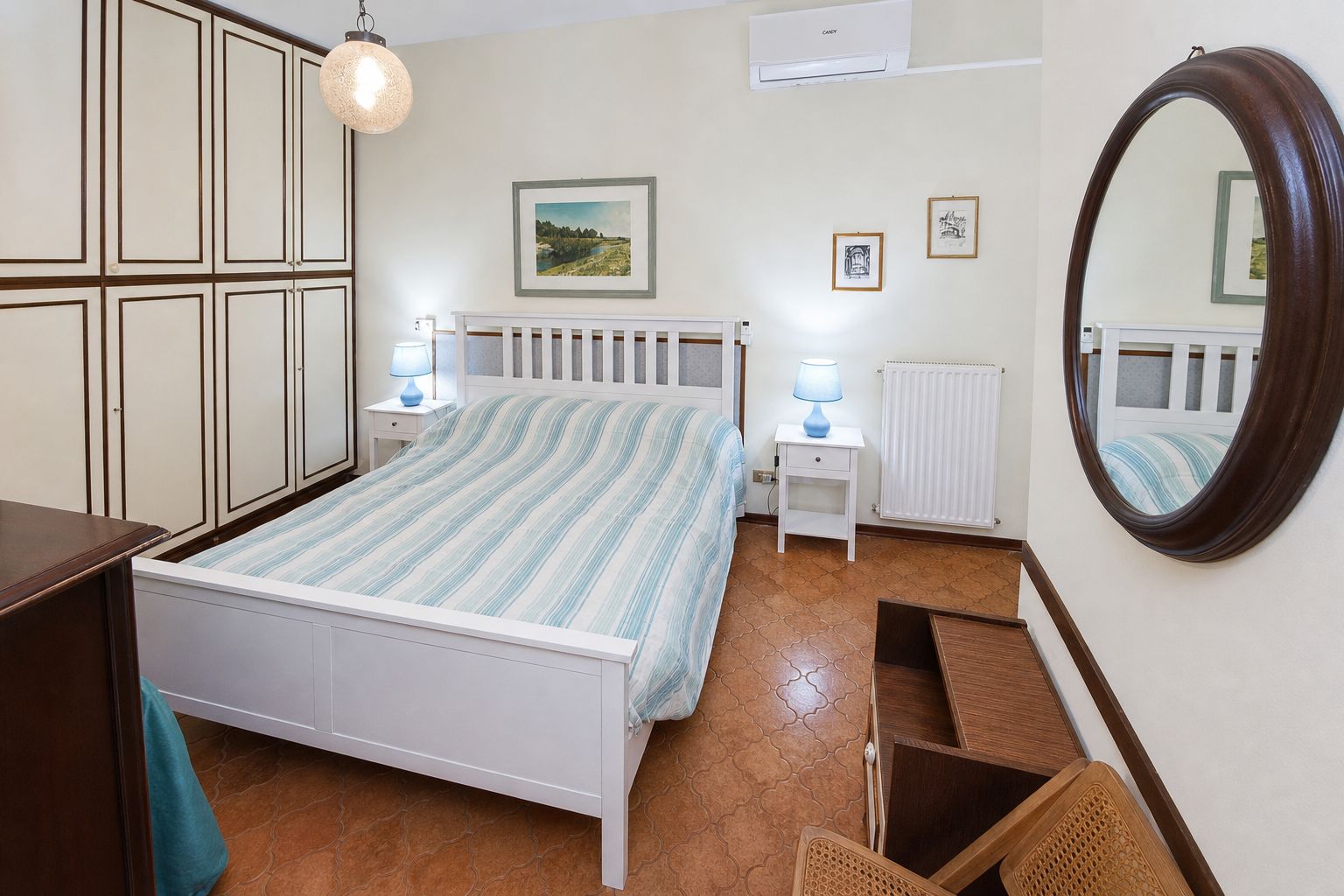
VACATION RENTALS
From phone photos to more polished images for your listing. Compare the light, colour and perspective in this bedroom before and after retouching.
Improve my first photo →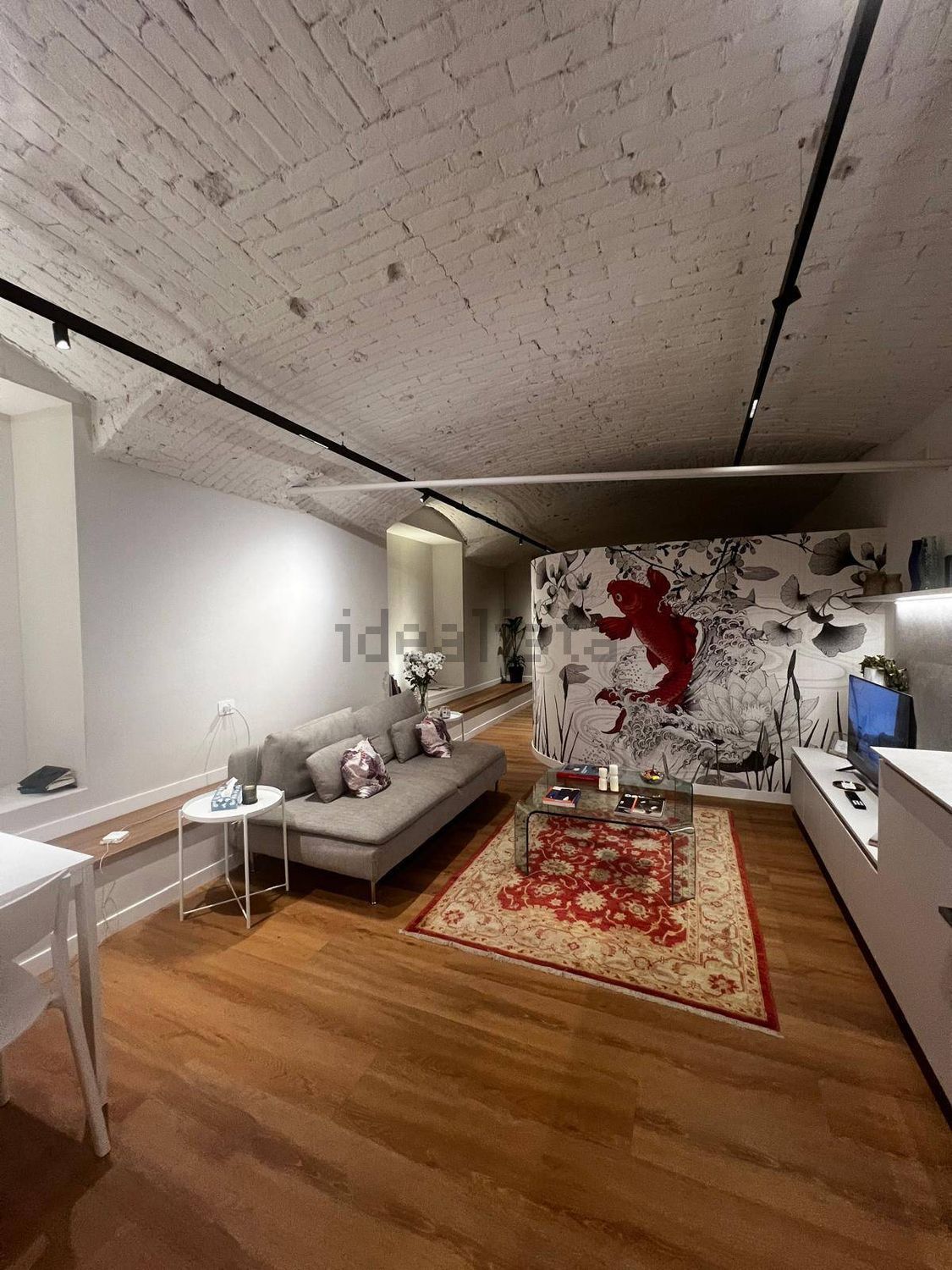
3 credits per photo
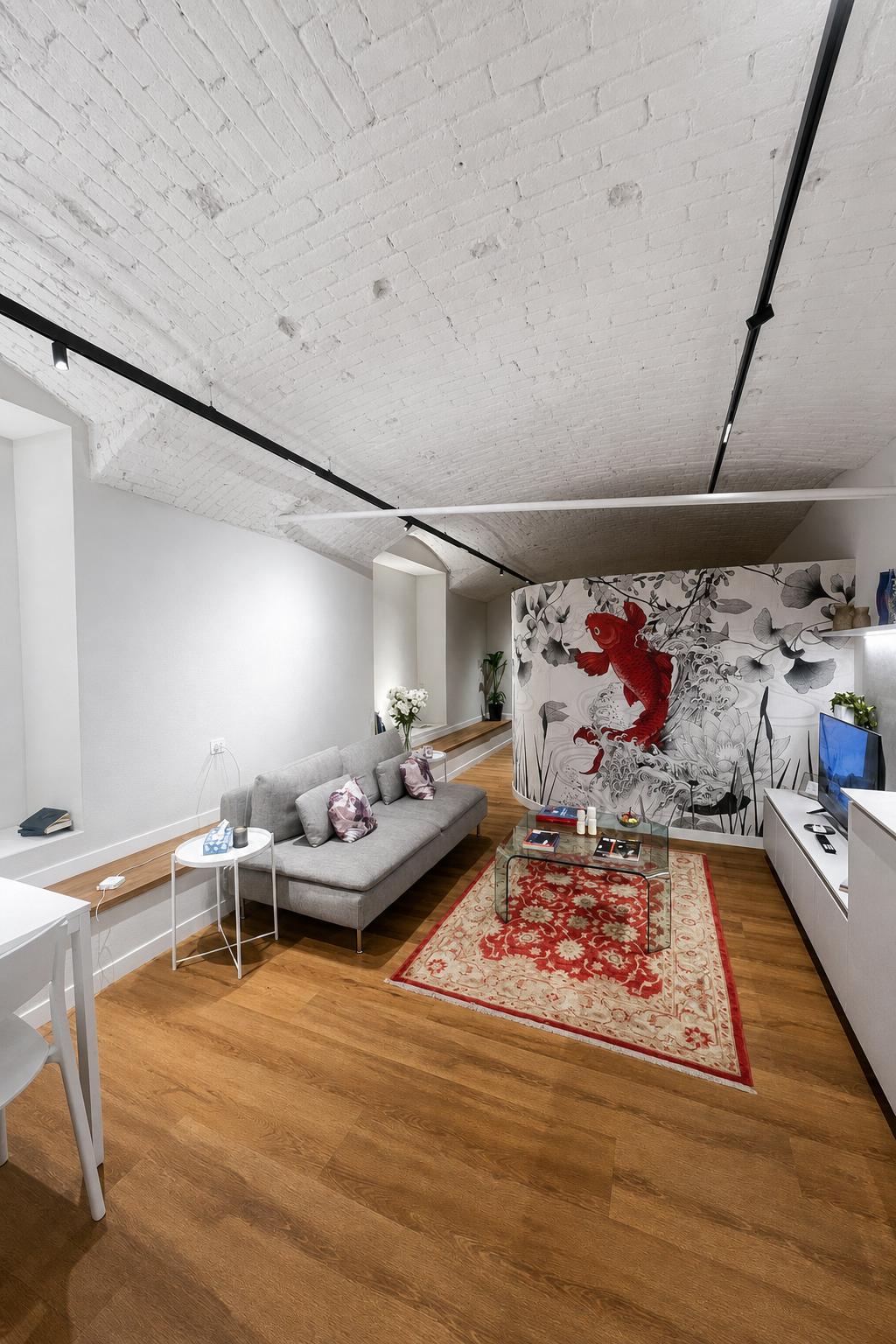
Light, colour and perspective corrections on an existing furnished room. Inspect details against the original before publishing.
Improve my first photo →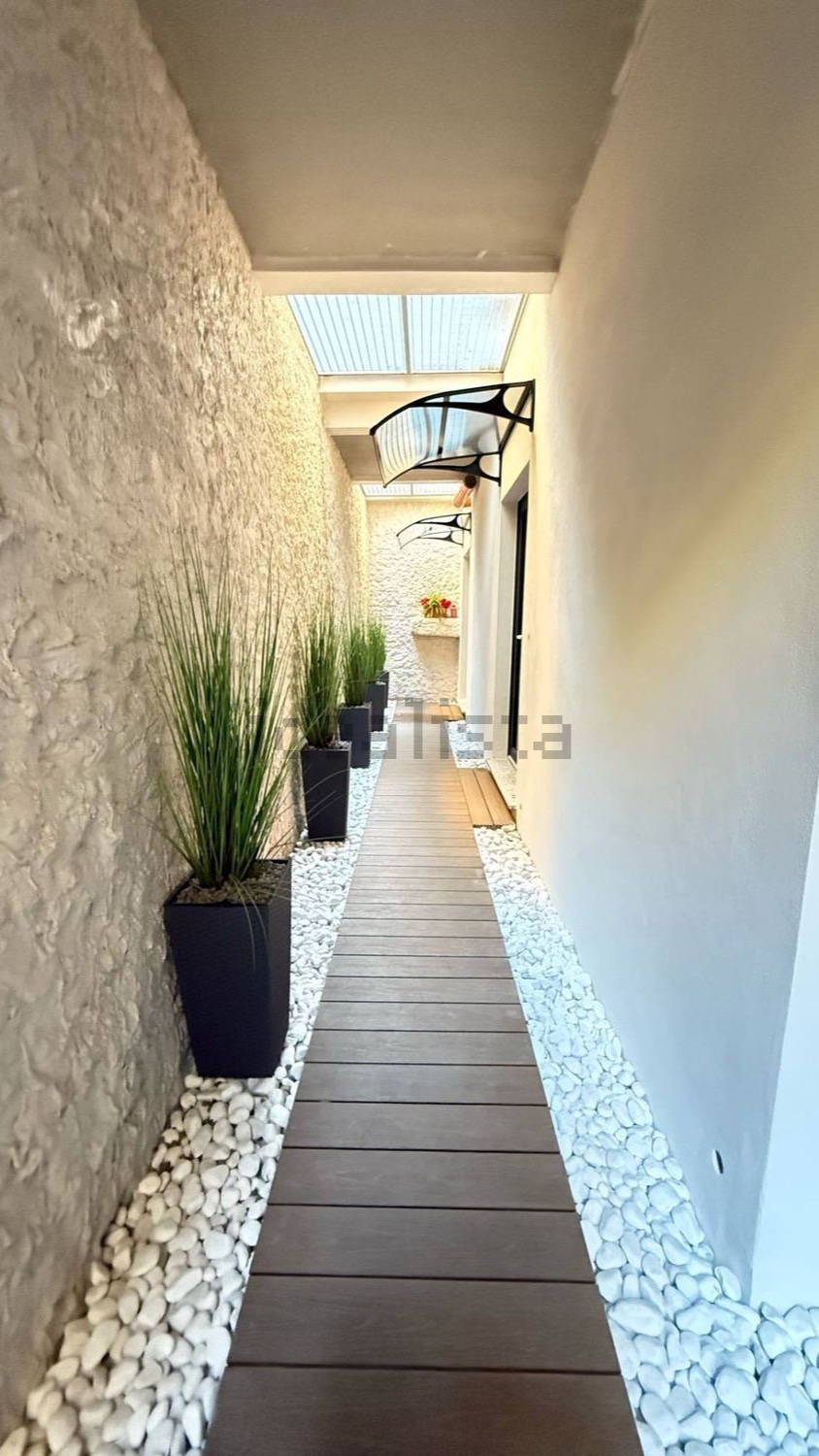
3 credits per photo
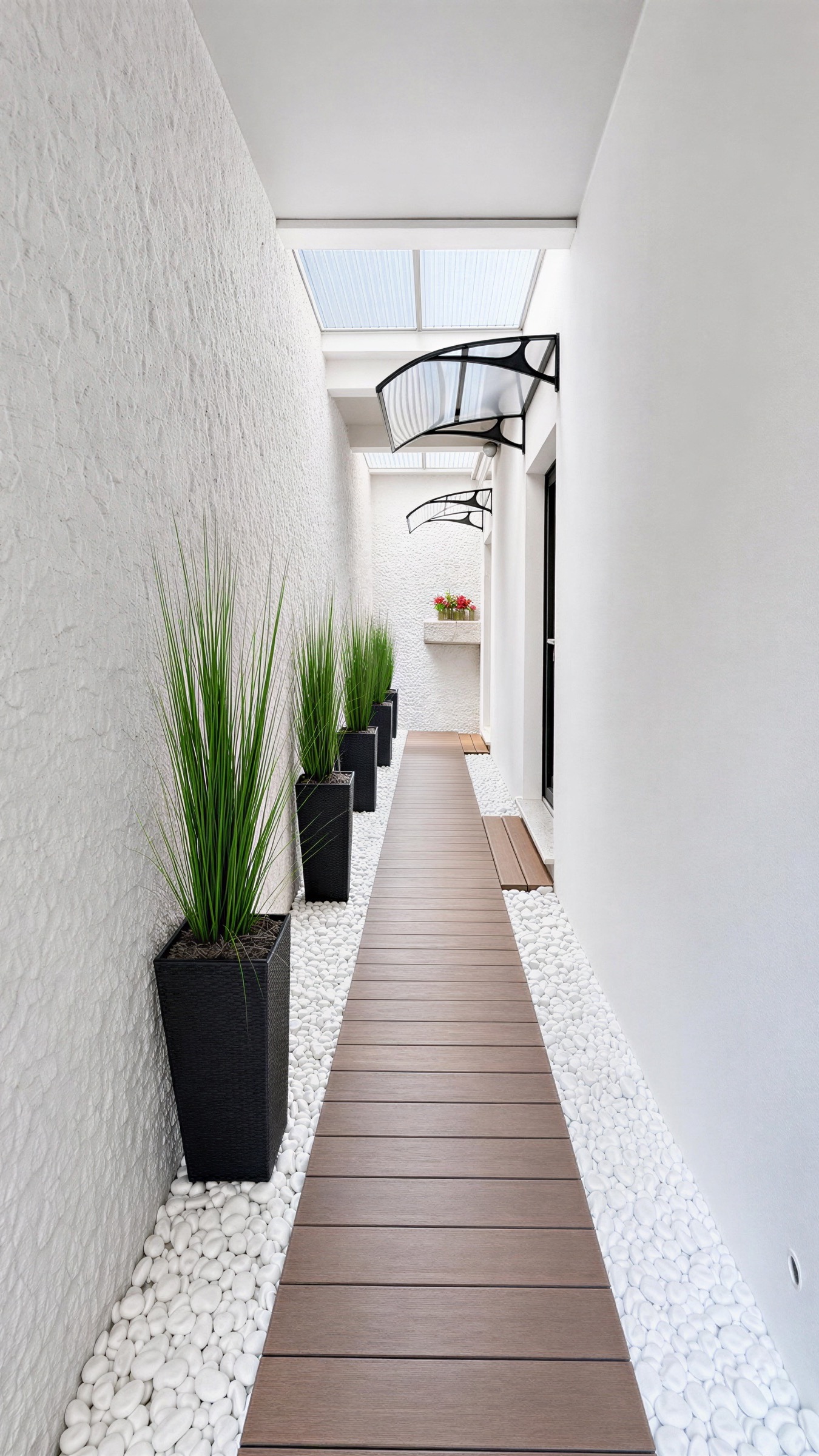
Exposure and colour corrections on an outdoor passage. Keep architectural features under review.
Improve my first photo →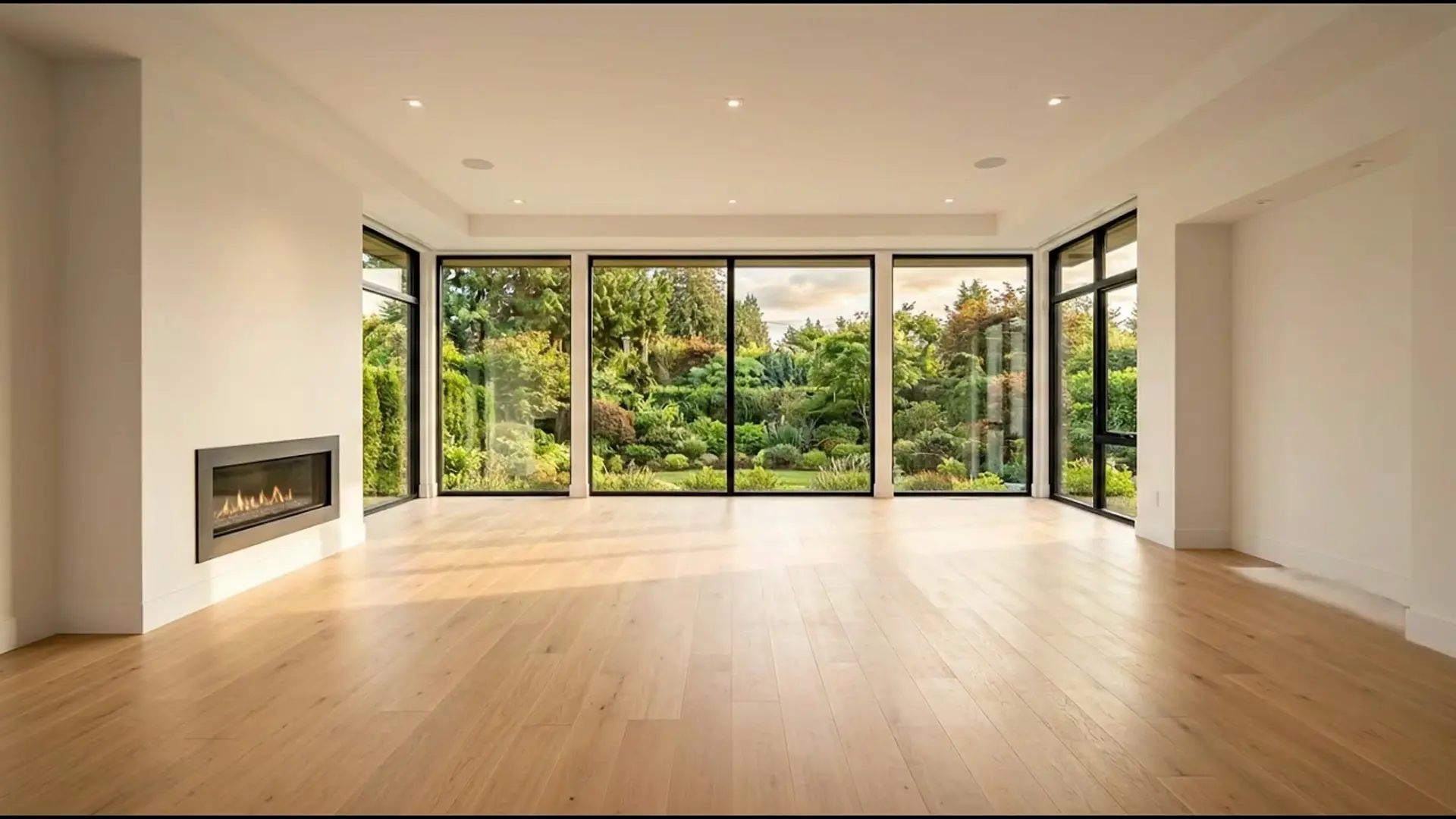
3 credits per photo
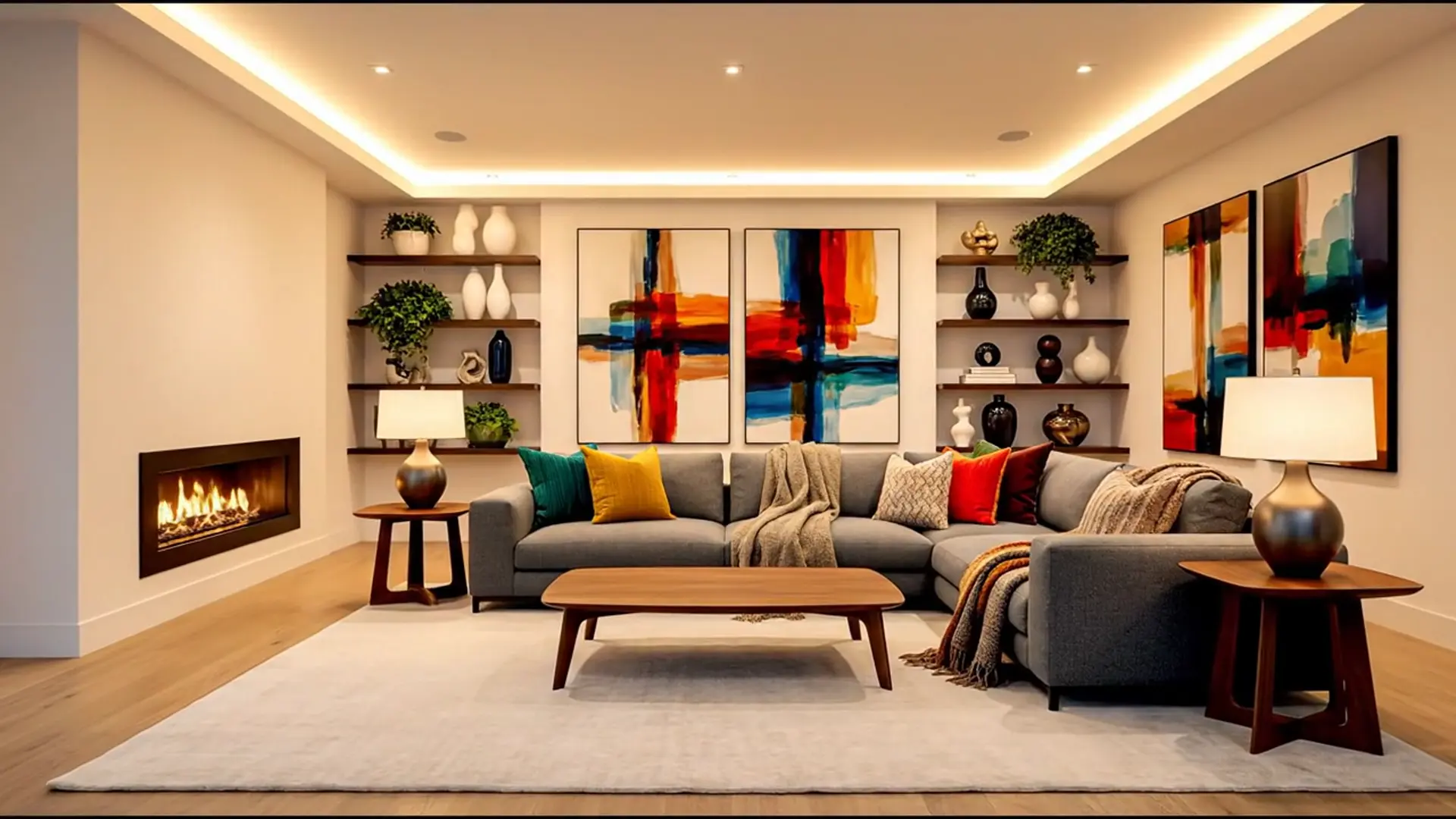
Furniture is digitally added to an empty room. This is a proposed arrangement, not the current condition of the property. Label it as virtually staged wherever you publish it.
Improve my first photo →The original and enhanced source are shown above. The clip below is AI-generated motion from that image, not footage recorded at the property.
Create a free account, choose a photo and compare your result before downloading.
Improve my first photo